Start the day prepared
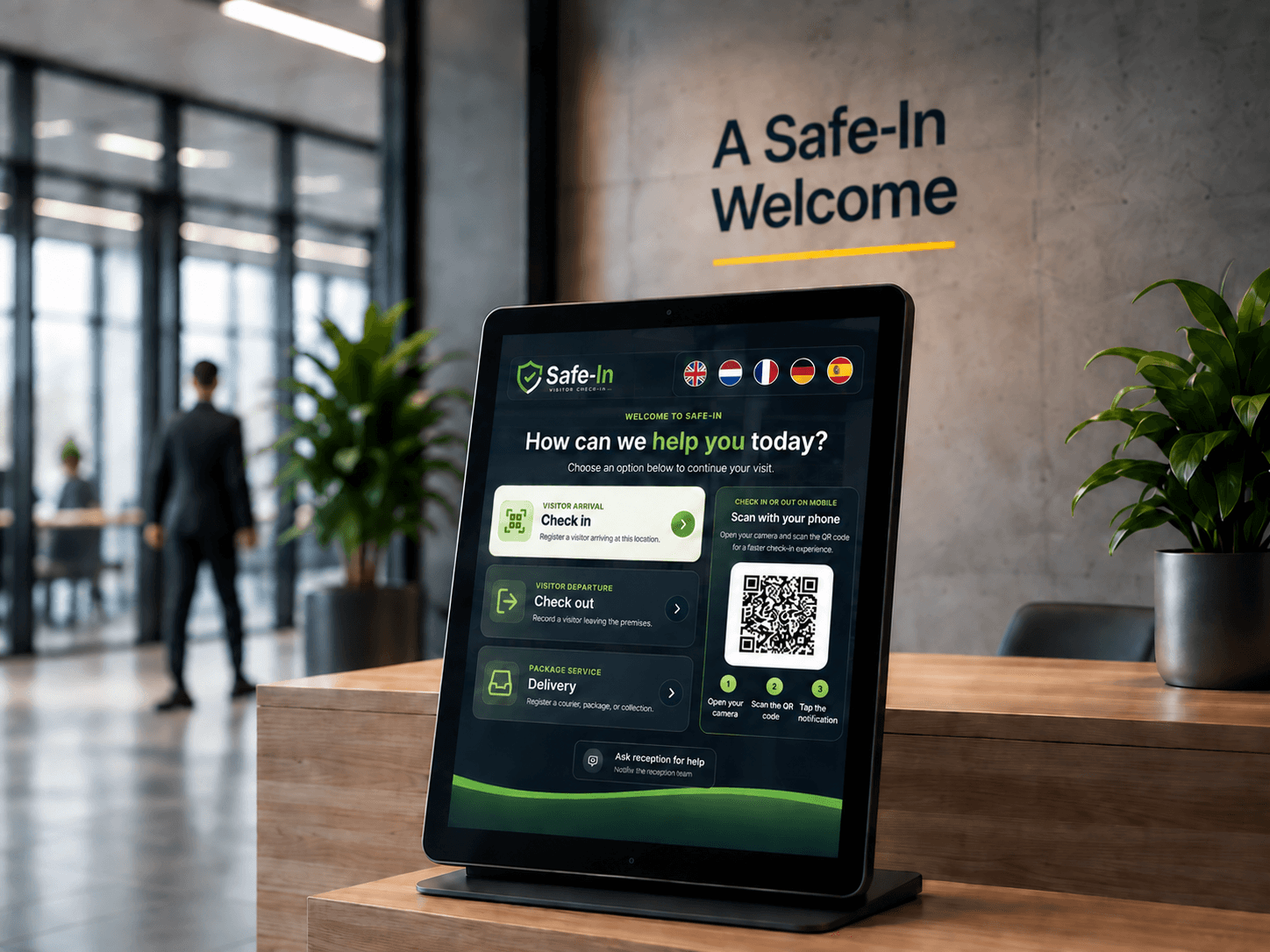
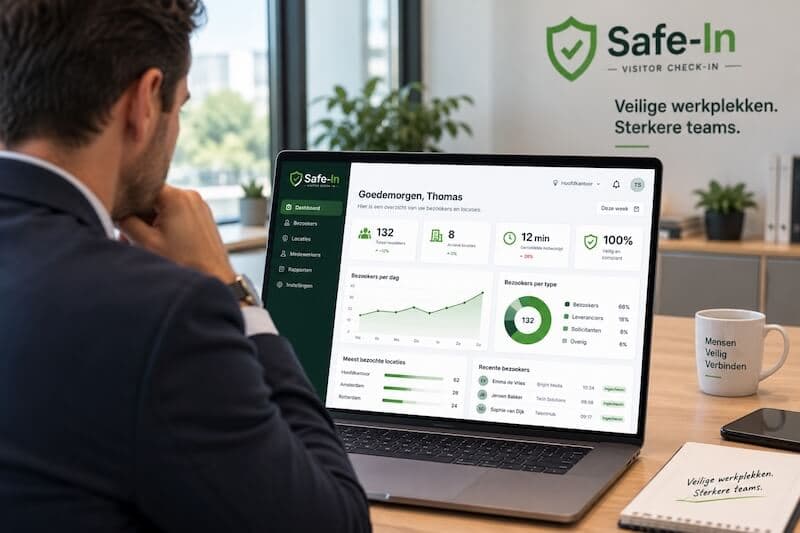
See expected arrivals alongside visitors already on site. Your team can understand what is happening now and what is coming next without opening separate lists.
FOR YOUR RECEPTION TEAM
Reception has enough to manage without searching across visitor books, messages and spreadsheets. Safe-In brings the day’s visitor activity into one workspace, so your team can focus on welcoming people.
See expected arrivals alongside visitors already on site. Your team can understand what is happening now and what is coming next without opening separate lists.
The dashboard combines visitor activity, open deliveries and portal availability. Readiness indicators help your team notice issues that deserve a closer look.
Appointments, check-ins and deliveries share one navigation and workspace. The next person at the desk can pick up from the same records instead of relying on a verbal update.
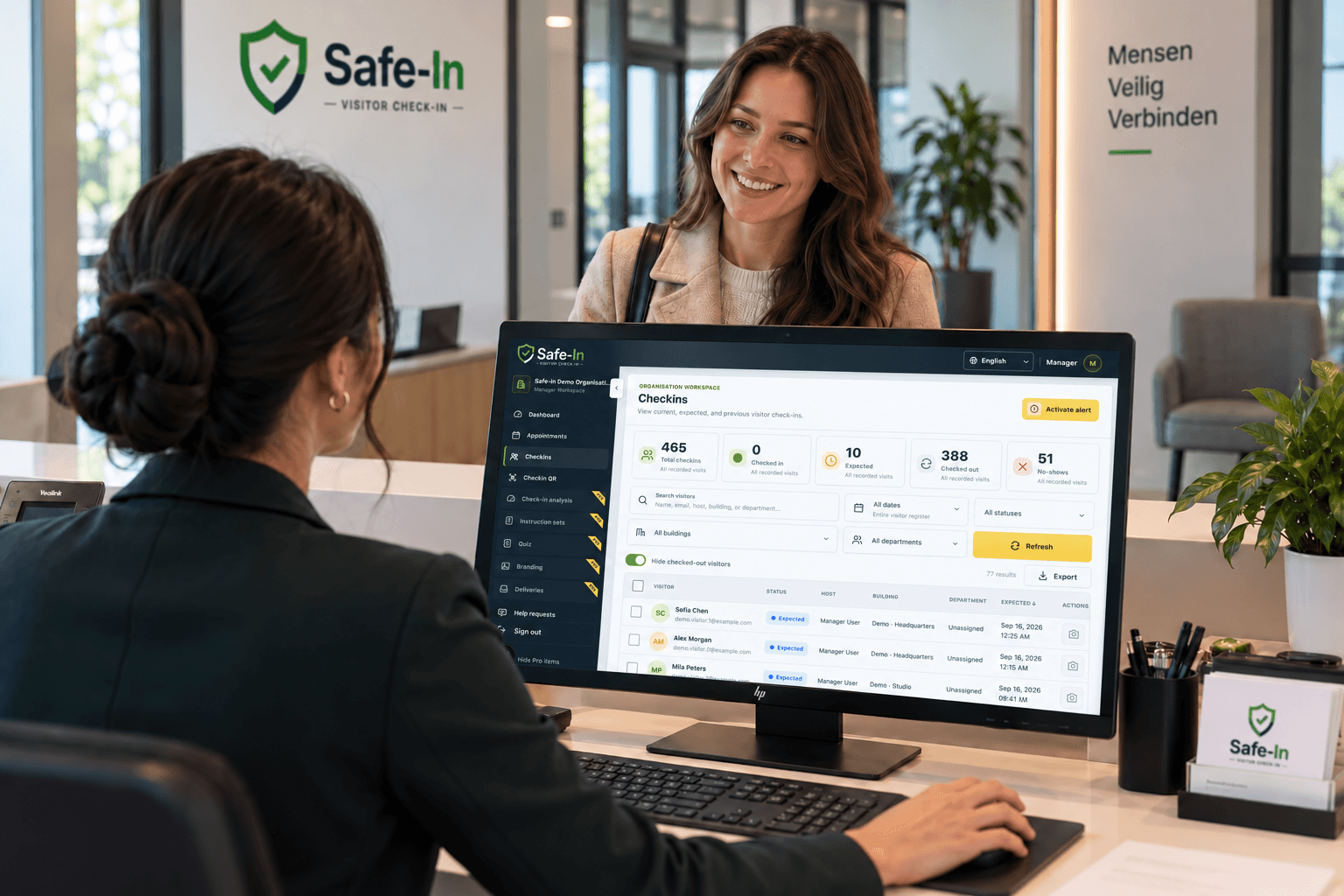
ACTUAL SAFE-IN SCREEN
WHAT THIS MEANS FOR YOUR DAY
When a guest arrives, a delivery comes in and a colleague takes over the desk, the information should stay easy to find.
Create appointments with a host, time and reason so the team can prepare.
Check expected visitors, current on-site activity and open deliveries from the dashboard.
Open the relevant appointment, check-in or delivery section to continue the work.
A MORE CONNECTED WAY TO WORK
| With a disconnected process | With Safe-In |
|---|---|
| Expected arrivals sit in messages or separate calendars. | Appointments and the expected-today count are available in Safe-In. |
| A shift change depends on notes and memory. | The next colleague can work from the same visitor records. |
| Deliveries and device issues are easy to overlook. | Open deliveries and portal availability appear beside visitor activity. |
A FEW USEFUL DETAILS
The captured manager dashboard shows visitors on site, expected arrivals, open deliveries and devices online, plus reception-readiness information. The reception view also includes overdue check-outs and its location assignment.
Yes. The appointment editor lets you choose a host and visit time, record visitor details and optionally send the visitor an invitation.
Safe-In has role-specific workspaces. Available controls depend on the user’s role and the organisation’s configuration; the screenshot shows the manager demo workspace.
FOR YOUR VISITORS
Discover how Safe-In connects visitor invitations and digital check-in for a more organised, professional arrival.
Explore the benefitsFOR WORKPLACE MANAGERS
Explore Safe-In’s visit reporting, building and host filters, CSV exports and workplace visibility tools.
Explore the benefitsMAKE THE NEXT VISIT A BETTER ONE
Bring your visitor welcome, reception work and oversight into one connected process.