
Prepare
Schedule expected visitors and share the details before they arrive.
HOW SAFE-IN WORKS
Safe-In guides each visit from the first appointment to the final check-out. Visitors get a simple arrival, hosts are notified, reception sees who is on site, and managers retain a reliable record.
Schedule expected visitors and share the details before they arrive.
Let guests check in on a kiosk, tablet or phone.
Alert the host and give reception a live view of the visit.
Record departures and turn visitor activity into useful reports.
BEFORE THE VISIT
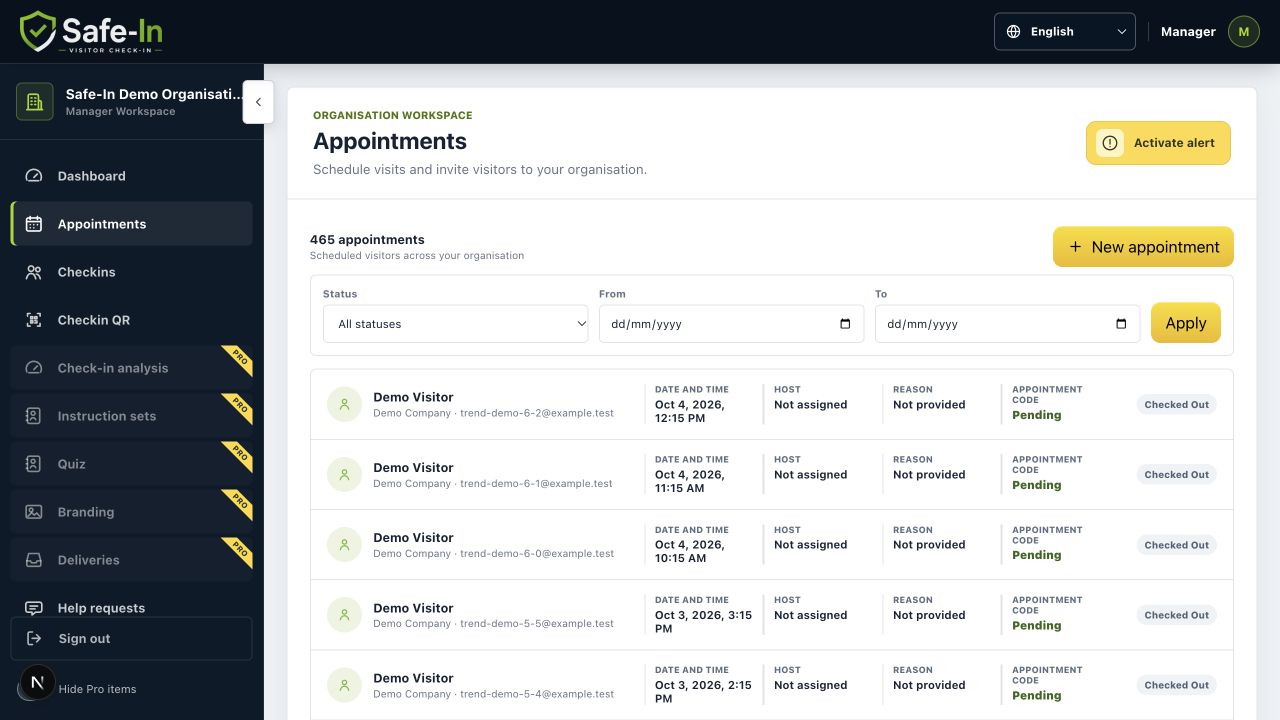
Create an appointment with the time, host, visitor details and reason for the visit. Reception can prepare, the host has the right context, and the visitor can receive the details before arrival.
ON ARRIVAL
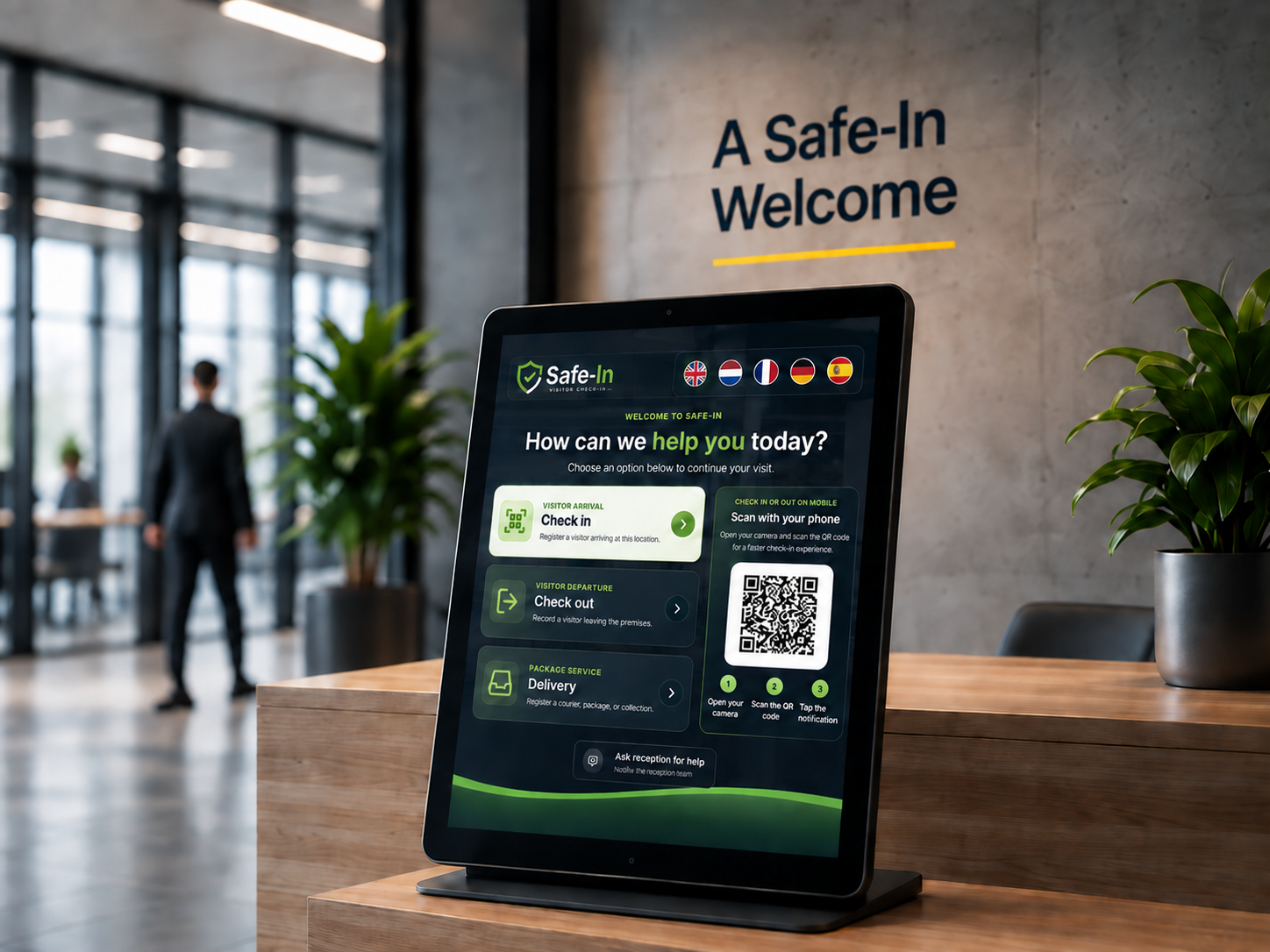
Visitors follow a focused check-in flow for appointments or walk-ins. They provide the details your organisation needs, select their host and complete any configured acknowledgements.
DURING AND AFTER THE VISIT
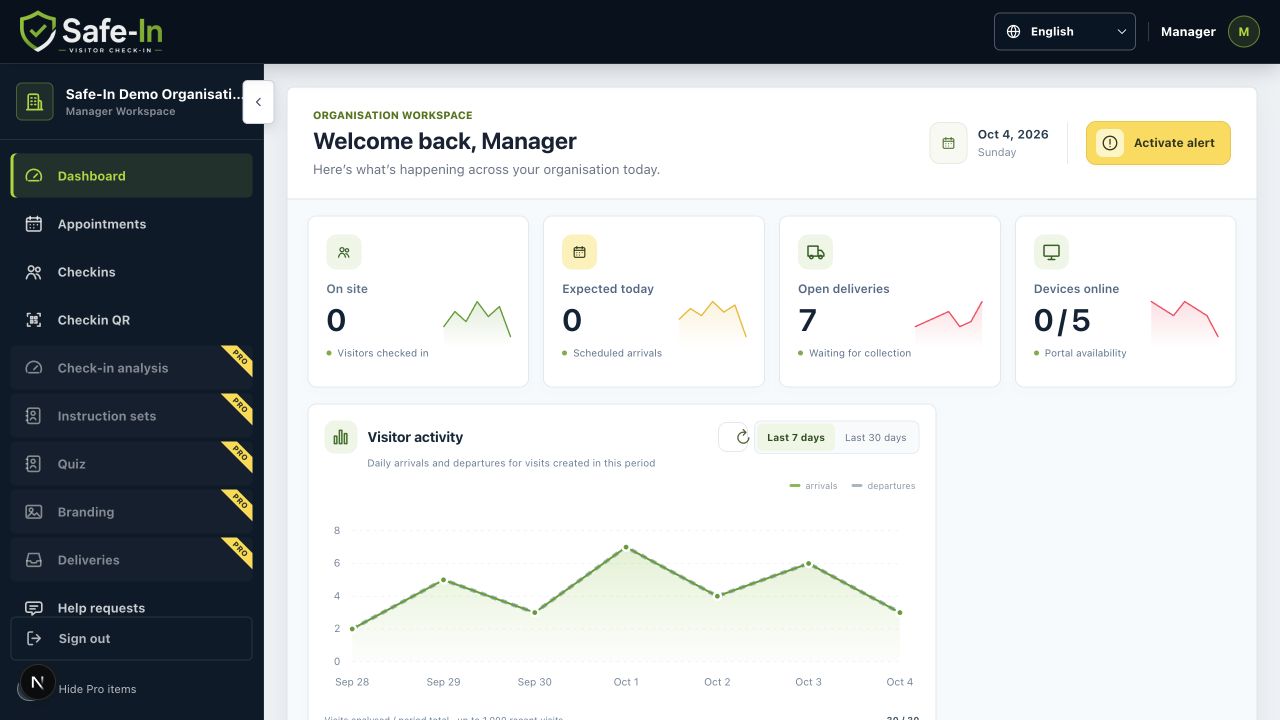
Safe-In updates the visit from expected to checked in and checked out. Reception keeps a current overview, while managers can review and export activity when they need it.
ONE PROCESS. A CLEARER DAY.
A clear arrival with less uncertainty at reception.
Explore visitor benefitsExpected arrivals and daily activity in one workspace.
Explore reception benefitsVisitor records that remain useful beyond the front desk.
Explore manager benefitsREADY TO SEE IT IN YOUR WORKPLACE?